Before you start
Use Chrome or Edge on a computer. Dailies is built and tested on Chromium, and the preview uses WebGPU where your browser has it, with WebGL2 as the fallback. Dailies is in private beta, so you need an invite: press Get started, and ask for one on the sign-in page if you have none yet.
1. Choose how to begin
- From a template if you have never animated. Pick one from video templates and swap in your own screenshots and words.
- From a Storyboard if you know what you want to say. Each card becomes a Shot. See how to plan a launch video.
- From a blank Shot if you just want to try things. The Storyboard is optional.
2. Animate a Shot
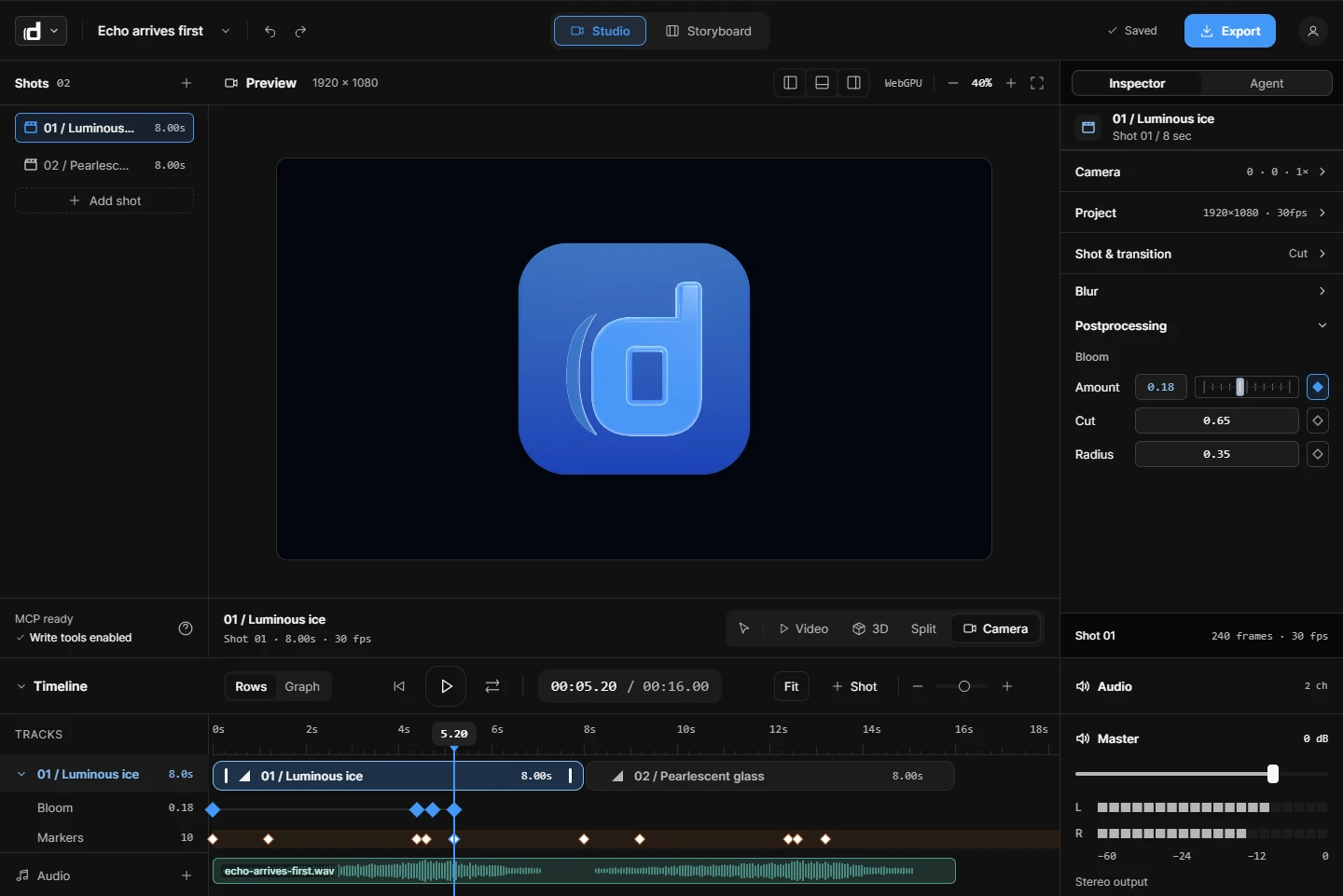
Turn on Animate with ⇧A. Now every edit writes keys at the playhead: drag a layer, type a value or move a slider, and the change becomes a move that ends where you are standing. Then pick an ease for the key. See easing for product motion for which one.
3. Borrow from the library
The library has ready-made Shots and 73 components. Add a text component to animate a headline letter by letter, and bring your own audio to mark a moment. Everything you add stays editable.
4. Bring your AI, if you like
Claude, Claude Code, ChatGPT, Codex and Cursor can connect over MCP, read your Project and build Shots from your plan. See Connect your AI.
5. Export or share
Download an MP4 or a looping GIF of the whole Project, a work area or one Shot. Or send a watch link, choosing who can watch, and embed the video on a page.
Try Dailies
Dailies is in private beta, so you need an invite. Sign in with yours, or ask for one there.