Write the story first
An explainer is usually a script before it is a video. Write each beat on a Storyboard card with its words and a sketch, and check the order before you animate anything. The Storyboard shows how long the whole video runs as you change it.
Show the real product
People trust a real screen. Place your screenshots and footage on the stage, frame them with a 3D camera move, and point at what matters with animated notes. Text components handle the headlines, so each Shot can say one thing clearly.
Voice, music and sound
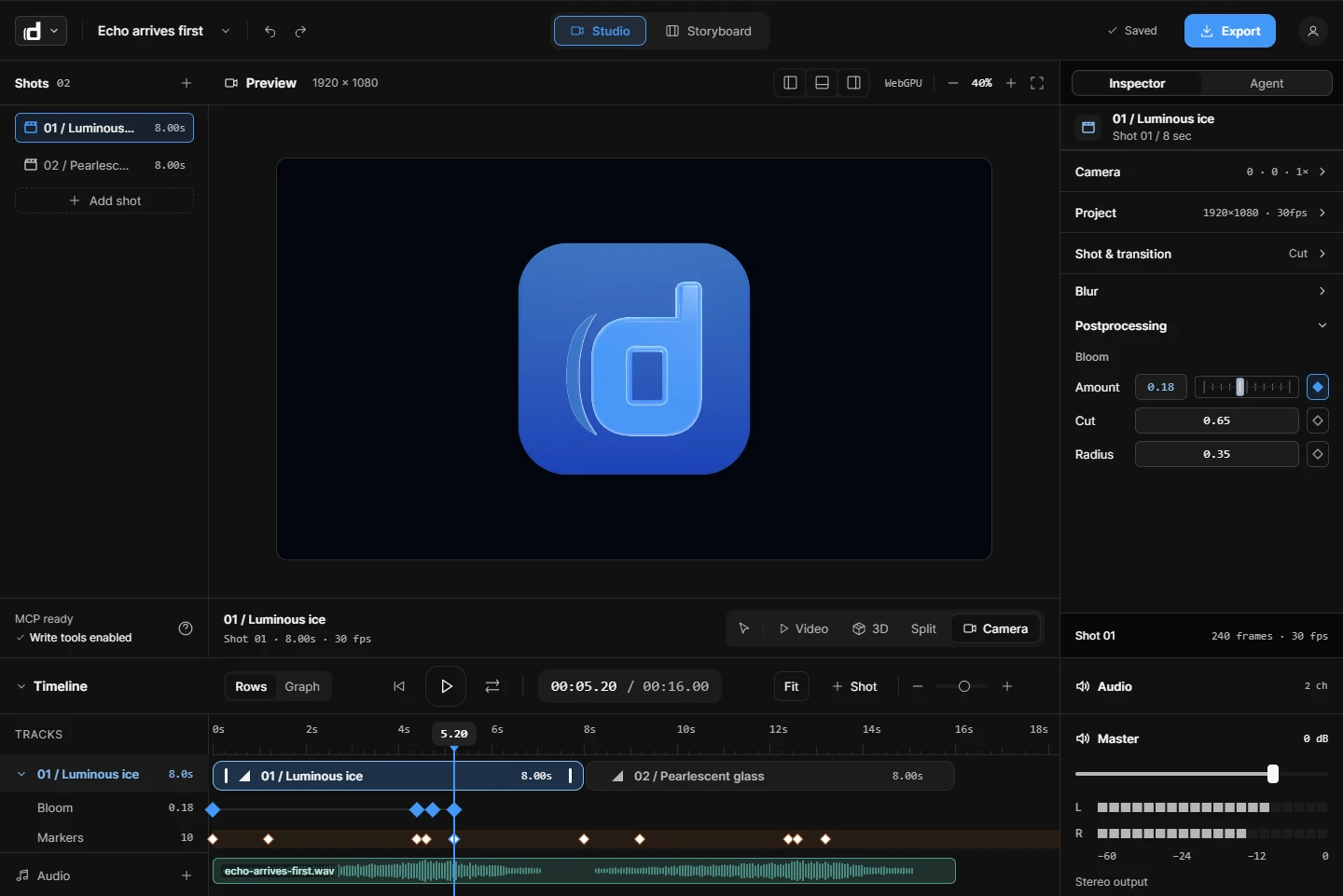
Put your voiceover and music on the timeline. Music dips under the voice, and cuts snap to the beat. Dailies has no ready-made sounds yet, so bring the audio you have.
How long should it be?
As short as the idea allows. A common approach is to make the short version first, then add a beat only when a viewer would otherwise be lost. Because each beat is a Shot, you can export one Shot or a part of the video as its own clip for social posts.
Try Dailies
Dailies is in private beta, so you need an invite. Sign in with yours, or ask for one there.