Start with the plan
Most launch videos go wrong before anyone animates a frame: nobody decided what each moment has to say. In Dailies, each card on the Storyboard is a Shot in your video, with its words, its sketch and its length. You see the plan beside the Shot you are building.
A common shape is three to five Shots: the problem or the promise, the product doing the one new thing, a second proof, then your logo. See how to plan a launch video.
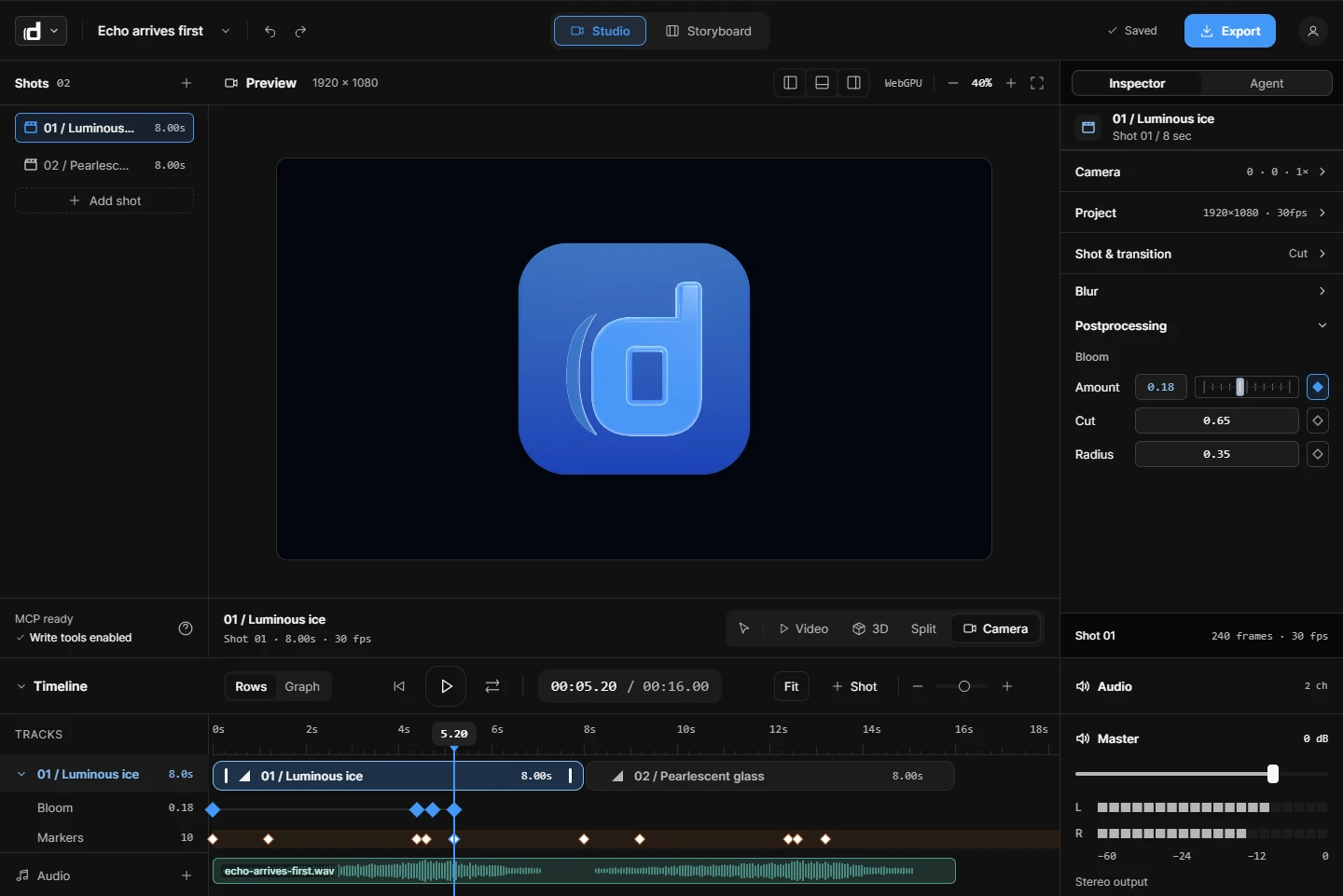
Animate on a real timeline
- Keyframes on any property, with an ease you pick or a curve you draw.
- Springs that land the same on every play.
- 3D camera moves through your scene.
- Text components that animate a headline letter by letter.
- Glow, grain and colour grades, and 30 transitions between Shots.
- Music that dips under the voice, and cuts that snap to the beat.
You do not start from a blank stage
The library holds ready-made Shots and 73 components. Open a title card or a feature callout, change the words and timing, and keep going. Or start from one of the video templates and swap in your own screenshots.
Review it with the team
Launches have opinions. Comments pin to a moment in a Shot or to a Storyboard card. Mention a teammate, reply in the thread, and resolve it when it is done. Named versions let you go back to an earlier cut.
Ship it everywhere
Download an MP4 or a looping GIF of the whole video, one Shot, or a part of it. Send a watch link, choosing who can watch, or embed the video on your launch page. One engine draws the preview and the export, so what you approved is what you get.
When to use something else
Dailies is for product videos. If your launch film needs character animation or heavy visual effects, use After Effects. If you want a video generated in one prompt with no editing, a prompt tool like Motion may suit you better.
Try Dailies
Dailies is in private beta, so you need an invite. Sign in with yours, or ask for one there.